Galaxy Strike
Description: A game where you shoot enemy waves from space!
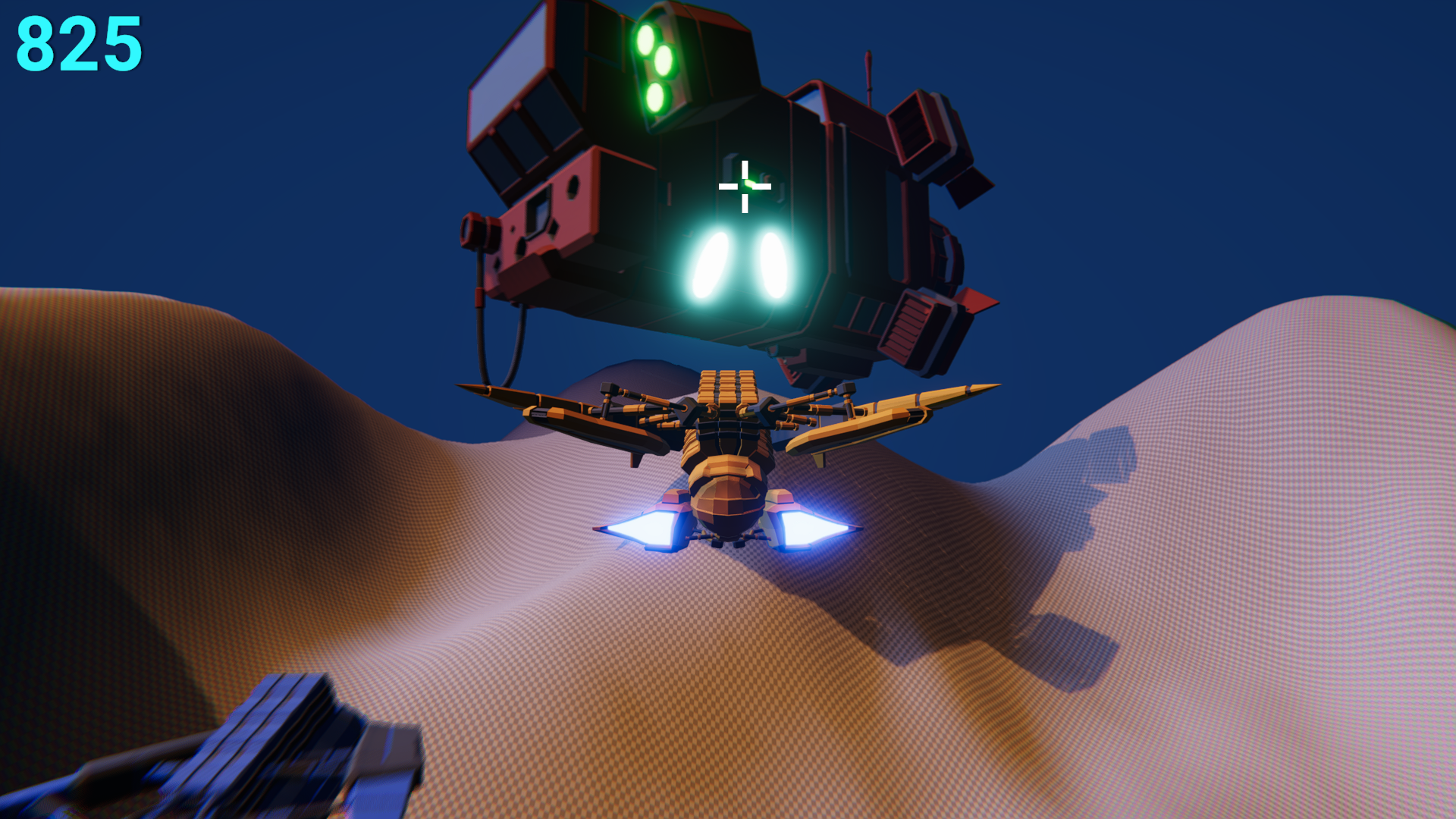
This is a short 3D game where you are a spaceship and your job is to shoot as many enemies as possible before your time runs out.
Controls
| Mouse / Keyboard | Touch | |
|---|---|---|
| Move Spaceship | WASD | N/A |
| Aim | Mouse Pointer | Tap |
| Shoot | Left Click | Tap |
Download
Install instructions
Windows
- Download
Galaxy Strike_Windows.zip -
Open the file downloaded.
- On most browsers, click (or double click) the file downloaded.
- Or else, use
Windows + Eto open File Explorer, then navigate toDownloadsfolder. Find the downloaded fileGalaxy Strike_Windows.zip. Double click that file.
- Find
Extractand extract somewhere likeC:\Program Files\Galaxy Strike\ - Find
Galaxy Strike_Windows.exeand right-click it. - Select
Create shortcut. - Move the shortcut to
%AppData%\Microsoft\Windows\Start Menu\Programs. Rename the shortcut toGalaxy Strikeif needed. - Now you can run the game from the start menu.
Web
You cannot install a Web Game. You can bookmark this page instead.Linux (Ubuntu/Debian)
- Download
Galaxy Strike_Linux.tar.gzand extract it. - Open the extracted folder.
- Navigate to the
installersfolder. -
Install
Galaxy Strike.deb:- On most distros, you can simply double click the .deb file and then click
Install. -
If your distro doesn't have that facility, open a terminal in the folder and run:
sudo apt install "./Galaxy Strike.deb"
- On most distros, you can simply double click the .deb file and then click
MacOS
A MacOS build is available, but it hasn't been fully tested yet. If you manage to run it, please share the installation steps in the comments so other players can follow them.Android
- Download
Galaxy Strike_Android.apk - Click on the downloaded apk.
-
If you see a popup box saying something along the lines of
For your security, your phone currently isn't allowed to install unknown apps from this source. You can change that in Settings:- Tap
Settings. -
Turn on
Allow from this sourceor something along the lines of it.- You might want to select your browser from a list first.
- Tap
-
You should now see a popup along the lines of
Do you want to install this app?. Click Install and wait for it to install.- If you don't see a popup, go back to your browser and repeat step 2 and this step.
- Done! Now you can click
Opento open.
Leave a comment
Log in with itch.io to leave a comment.